Openers · Wexford
Garage Door Remote and Keypad Programming in Wexford
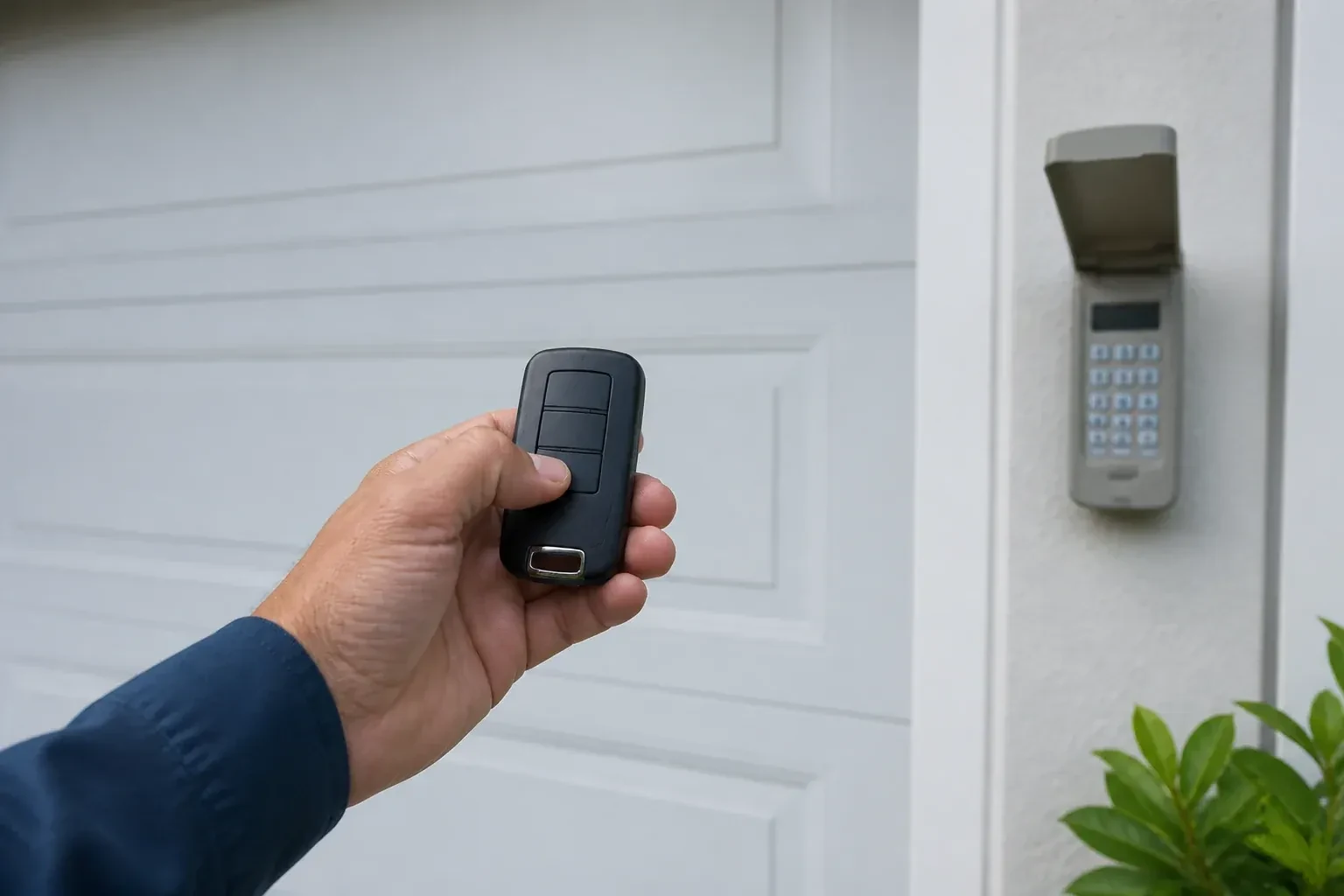
You bought a new remote at the hardware store, followed the little leaflet twice, and the opener light never blinked.
In plain words
Not every dead remote needs programming, so the visit starts by ruling out the simple things. The wall control may be in lock mode, which tells the opener to ignore all remotes and shows as a blinking indicator. The coin cell may be flat, or its contacts corroded. LED bulbs in the opener's own sockets can drown the radio signal so the remote works only at arm's length. The antenna wire may be tucked away. A known-good remote is tested against the receiver, and only when the receiver answers it does programming of your controls begin.
How the visit goesThe opener is an older one with a row of tiny switches inside the remote. The last remote finally died, the maker stopped selling that model years ago, and the door itself still runs perfectly from the wall button.
Garage Door Remote and Keypad Programming
How the visit goes
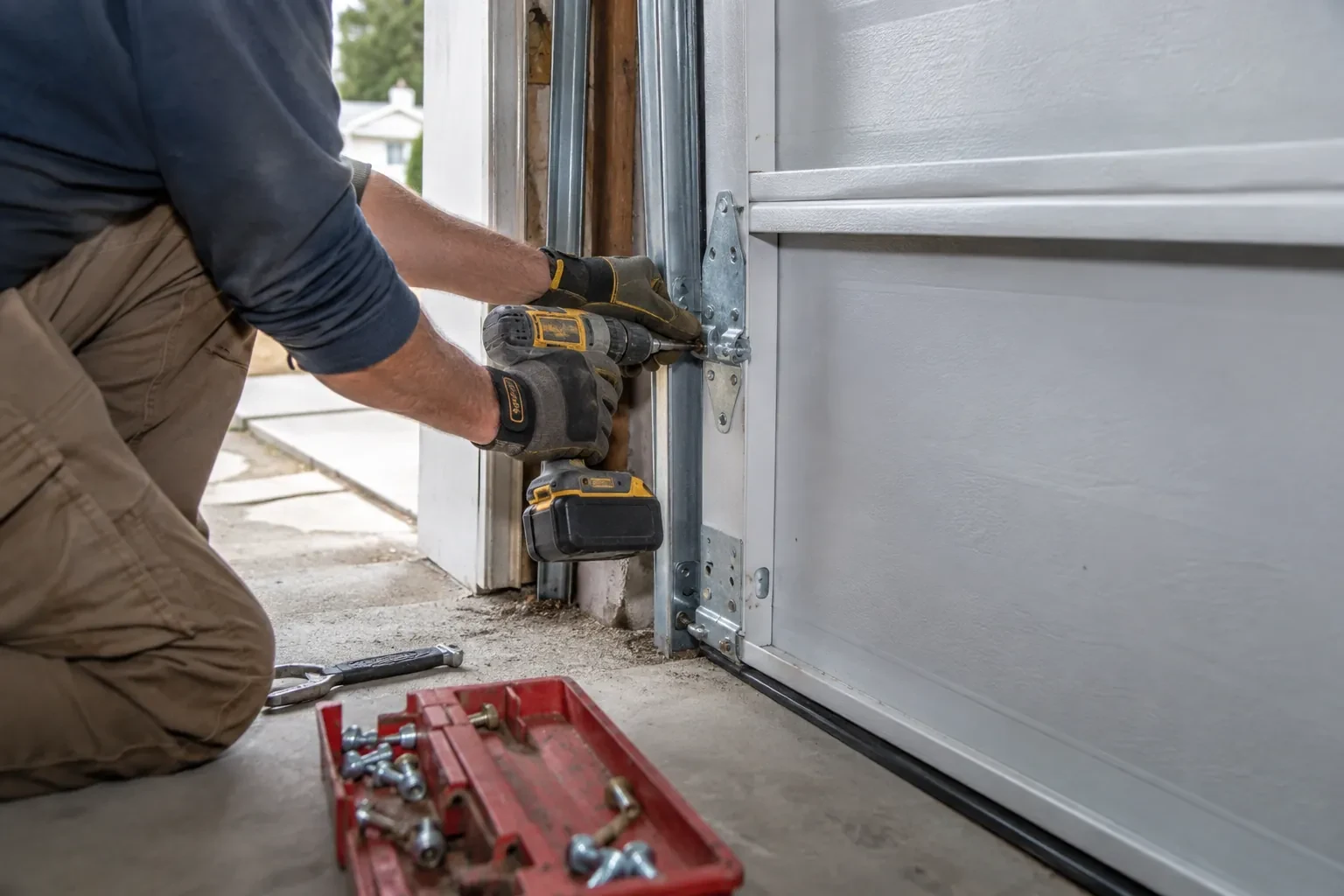
Which generation is this opener?
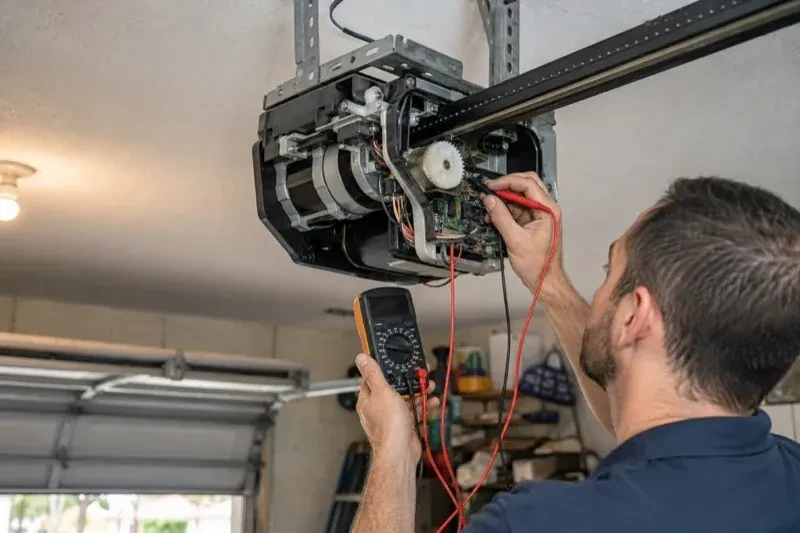
Under the light cover of the head unit, near the antenna wire, sits the learn or program button. Its colour on many makes and the model label beside it tell the technician which radio generation the receiver belongs to, and that decides which remotes and keypads can ever be paired with it. Most openers from the mid-1990s onward use rolling codes, earlier ones often fixed codes set by switches, but age alone does not confirm which; the model settles it. The accessory in hand is compared against the maker's compatibility list before its packaging is opened. Ten seconds with a ladder here prevents an afternoon of pressing buttons on a remote that was never going to work.
Bringing a fixed-code opener into the present
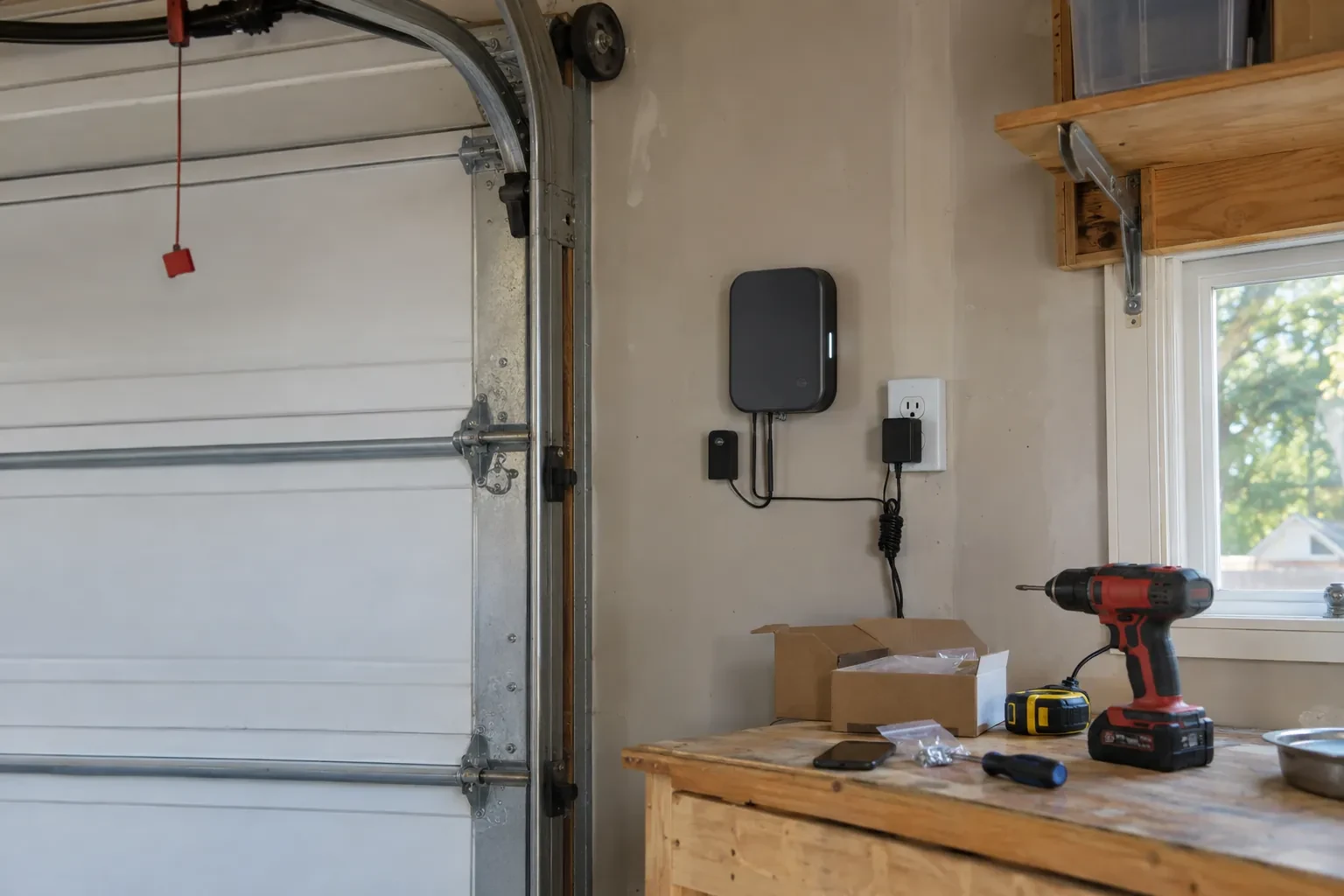
For an older opener whose remotes were set by rows of small switches and are no longer made, the work is a receiver upgrade rather than a pairing. The technician mounts a compact rolling-code receiver near the head unit, wires its two conductors to the same terminals that serve the wall button, and plugs its transformer into the ceiling receptacle beside the opener. The opener now has a modern radio and can store a handful of new remotes and a keypad. This route is used only when the opener already has photo eyes at the floor; without them, the recommendation is a new opener.
Batteries, and when to change them
Each remote and keypad leaves with a fresh cell of the type the maker specifies, and you know what those types are, since a coin cell in a remote and the small cells in a keypad are different. The first sign of a fading remote is shrinking range rather than sudden silence, so a remote that needs you closer than it used to is asking for a battery. Outdoor keypads are hardest on cells in the cold months; changing them each autumn saves a frozen-morning surprise. Rechargeable cells are not recommended for many keypads, and the record notes that.
Garage Door Remote and Keypad Programming
In the van
Keypad mounting screws and anchors
Universal multi-generation remote
In-vehicle compatibility bridge module
Wireless outdoor keypad
Low-interference replacement bulbs
Garage Door Remote and Keypad Programming
What affects the quote
Add-on receiver for an older opener
Converting a fixed-code opener means a receiver kit, wiring to the wall-button terminals and new remotes, quoted as an upgrade rather than a programming call.
Range and interference work
Swapping bulbs, freeing the antenna and re-testing range from the street is a small addition when remotes work only up close.
Multiple doors or a gate
A second opener or a driveway gate doubles the pairing and testing, and may call for multi-button remotes or a multi-door keypad.
What to have ready
- Do you have a keypad outside, and does anyone still know its code?
- Does the wall button move the door normally right now?
- Are you adding a control, replacing a lost one, or starting fresh after a move?
Garage Door Remote and Keypad Programming: questions
QuestionsThe wall button works but none of the remotes do. Is that a programming job?
Sometimes, but the technician rules out two things first. Lock mode on the wall control tells the opener to ignore every remote, and gives itself away by a steadily blinking wall indicator and two flashes of the opener light whenever a remote is pressed; holding the lock button releases it. A memory cleared by a long press on the learn button is the other cause, and that one is a programming job.
Do I need to be home for the programming visit?
Yes, for two reasons. The technician confirms that the person authorising changes to the door's access is the owner, a tenant with permission or the building manager, and you choose the keypad code yourself so it is never known to anyone else. You also test each control in your own hand before the visit ends. Have every remote and vehicle you want programmed available, since a car parked elsewhere cannot be trained.
Does programming a new remote erase the old ones?
No. A short press of the learn button adds a control to the memory alongside the others. Erasing them takes that model's own sequence, a longer hold on many openers and a different button combination on others. Pressing into the erase sequence by accident is what occasionally leaves a household finding every remote dead after trying to add one. The fix is to reprogram each device.