Openers · Toronto
Garage Door Remote and Keypad Programming
You bought a new remote at the hardware store, followed the little leaflet twice, and the opener light never blinked.
In plain words
Not every dead remote needs programming, so the visit starts by ruling out the simple things. The wall control may be in lock mode, which tells the opener to ignore all remotes and shows as a blinking indicator. The coin cell may be flat, or its contacts corroded. LED bulbs in the opener's own sockets can drown the radio signal so the remote works only at arm's length. The antenna wire may be tucked away. A known-good remote is tested against the receiver, and only when the receiver answers it does programming of your controls begin.
How the visit goesThe opener is an older one with a row of tiny switches inside the remote. The last remote finally died, the maker stopped selling that model years ago, and the door itself still runs perfectly from the wall button.
Garage Door Remote and Keypad Programming
How the visit goes
Is the opener itself ready?
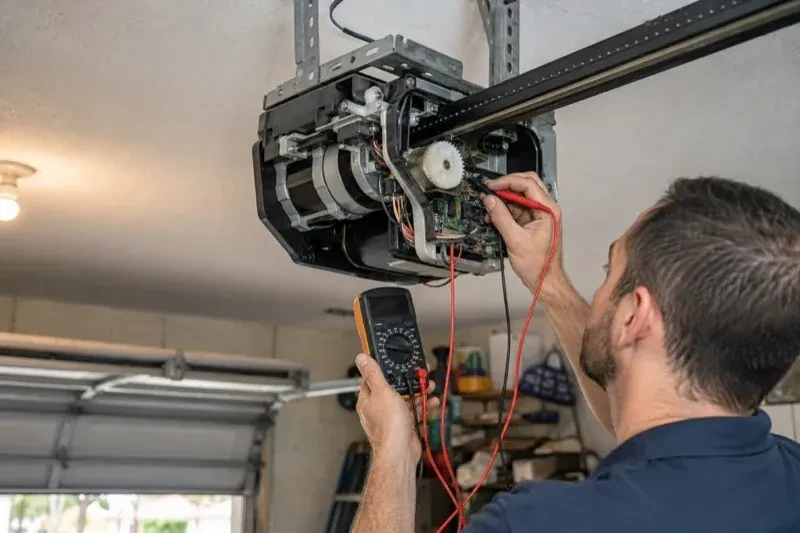
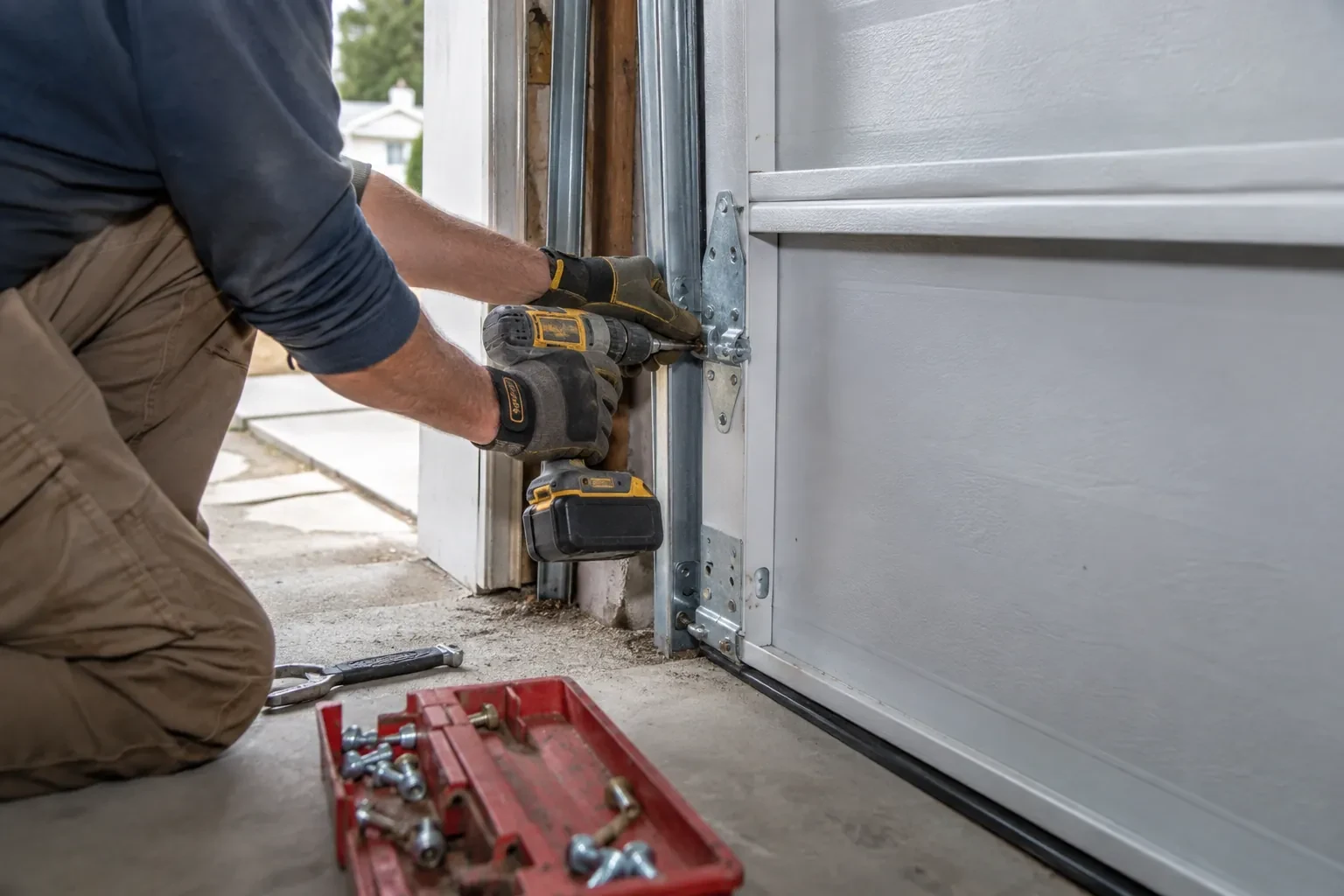
Programming only takes when the opener is in a state to accept it, so the first minutes are spent on the unit rather than the remote. The technician confirms the head unit has power and responds to the wall control, checks that the lock indicator is not blinking, and looks at the photo-eye lights near the floor to see the beam is aligned. The door is run through a cycle to be sure it travels and reverses properly. If the wall button moves the door and the remotes do not, the fault is on the wireless side and programming is likely to help; if nothing moves the door, the visit becomes a repair first.
Setting up the outdoor keypad
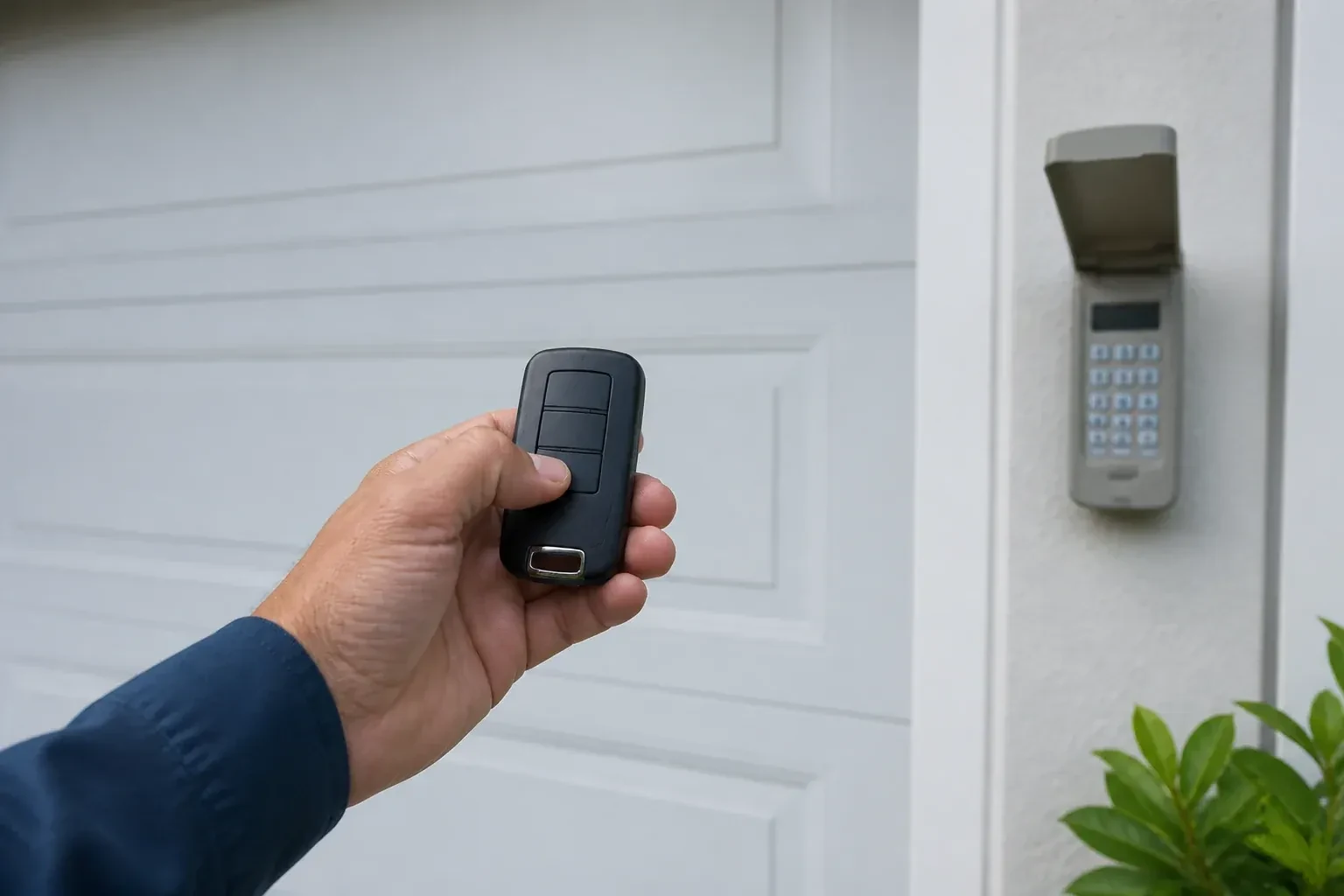
The keypad is programmed on the bench before it goes on the wall. Fresh cells of the specified type are fitted, the keypad is put into its programming mode, and the code the household chose is entered, four digits on many models and up to eight on others. The opener's learn button is pressed and the code is confirmed at the keypad until the door moves. Where the model allows, a temporary code for a cleaner or a visitor is set to expire after a chosen number of hours or openings. The keypad is then mounted beside the door at a height a child cannot reach, with the door in plain view.
An older opener with a modern radio
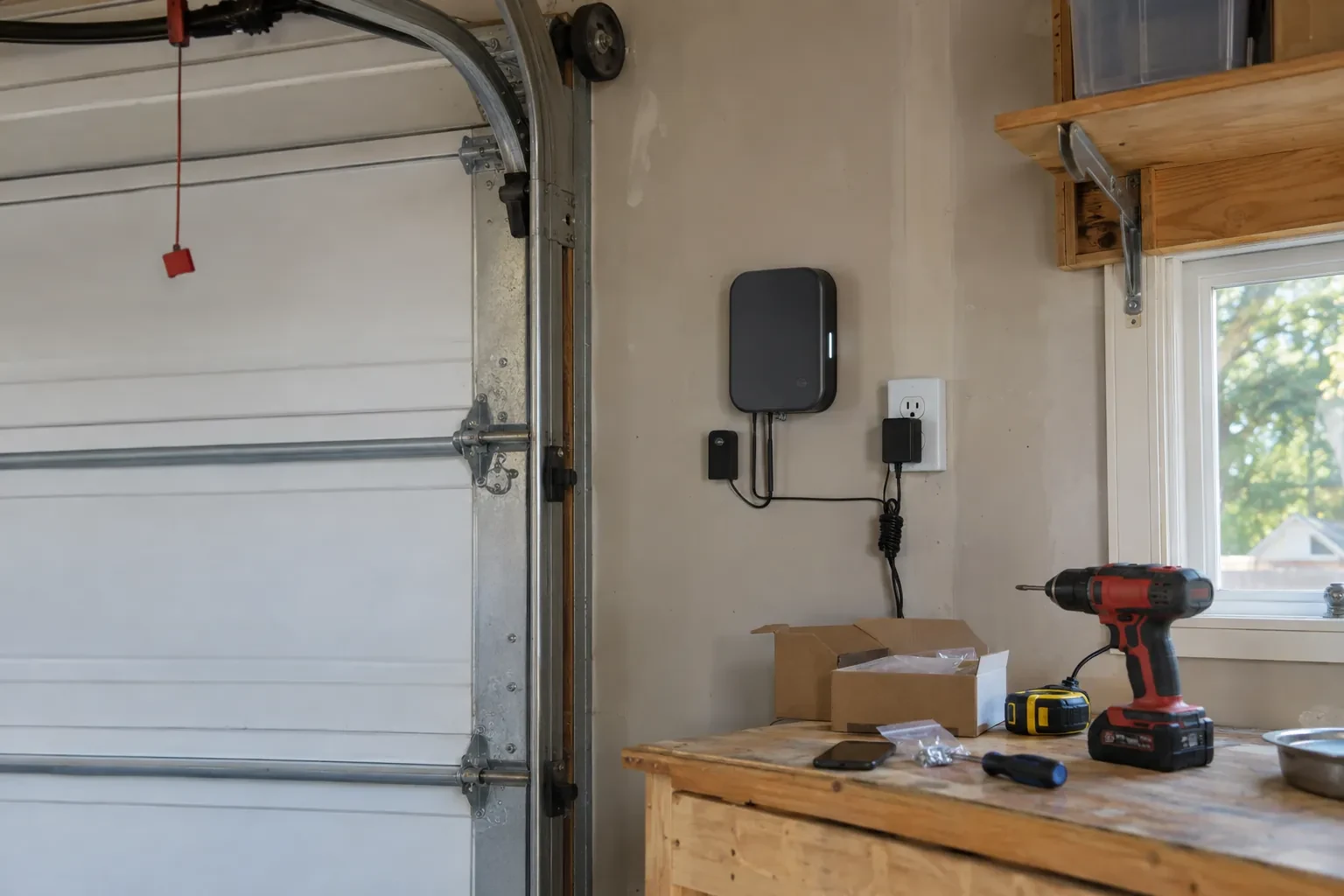
If an add-on receiver was fitted, your original motor and rail carry on as before while a small box near the head unit does the listening. You have new remotes and a keypad that use rolling codes, so the door no longer answers a fixed code that any similar remote might share. The receiver's power plug and its two thin wires to the wall-button terminals are shown to you so nothing is unplugged by accident. The photo eyes that made this upgrade possible are checked and their monthly test explained, since they remain the door's main protection.
Garage Door Remote and Keypad Programming
In the van
Keypad mounting screws and anchors
Universal multi-generation remote
In-vehicle compatibility bridge module
Wireless outdoor keypad
Low-interference replacement bulbs
Garage Door Remote and Keypad Programming
What affects the quote
Compatibility of the accessory
A remote matched to the opener's generation is programmed as it is. One of the wrong generation is swapped for a compatible or universal model, and that device is a separate line.
Add-on receiver for an older opener
Converting a fixed-code opener means a receiver kit, wiring to the wall-button terminals and new remotes, quoted as an upgrade rather than a programming call.
Time of the call
A weekday daytime appointment and an evening, weekend or holiday visit cost the same amount for programming remotes and keypads. The technician confirms the exact figure once the number of controls and the opener model have been checked in person.
What to have ready
- Does the wall button move the door normally right now?
- Have the bulbs in the opener been changed to LEDs recently?
- Does the opener connect to a phone app, and whose account is it under?
Garage Door Remote and Keypad Programming: questions
QuestionsThe wall button works but none of the remotes do. Is that a programming job?
Sometimes, but the technician rules out two things first. Lock mode on the wall control tells the opener to ignore every remote, and gives itself away by a steadily blinking wall indicator and two flashes of the opener light whenever a remote is pressed; holding the lock button releases it. A memory cleared by a long press on the learn button is the other cause, and that one is a programming job.
Do I need to be home for the programming visit?
Yes, for two reasons. The technician confirms that the person authorising changes to the door's access is the owner, a tenant with permission or the building manager, and you choose the keypad code yourself so it is never known to anyone else. You also test each control in your own hand before the visit ends. Have every remote and vehicle you want programmed available, since a car parked elsewhere cannot be trained.
Does programming a new remote erase the old ones?
No. A short press of the learn button adds a control to the memory alongside the others. Erasing them takes that model's own sequence, a longer hold on many openers and a different button combination on others. Pressing into the erase sequence by accident is what occasionally leaves a household finding every remote dead after trying to add one. The fix is to reprogram each device.